Edit an Existing Product
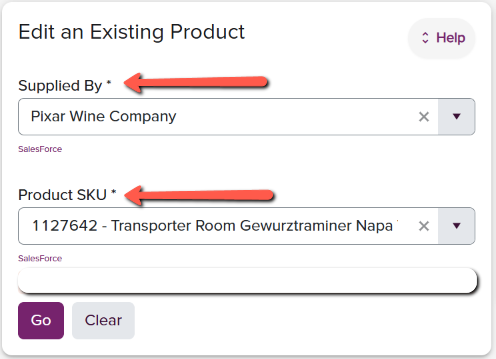
To change an existing product in the fulfillment system, begin by selecting the supplier who supplies the product to fulfillment. Then, choose the product to be edited from the list of products. Click the Go button to proceed to editing the selected item.
- Supplied By*
- Winery/Brand supplying the SKU
- Product SKU
The client can then use the populated form to edit the attributes of the selected SKU