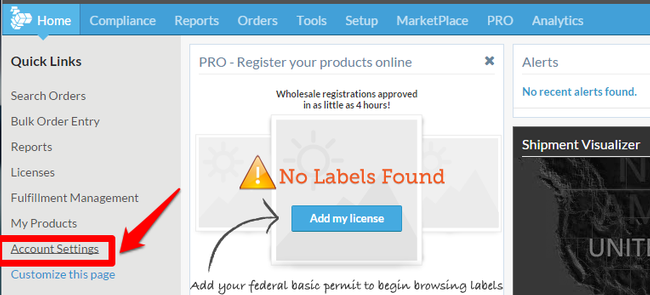
Step 1 - To create a Webservices user, click My Account from the ShipCompliant HomePage.
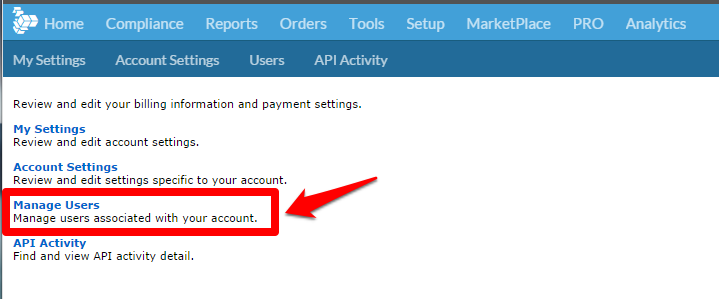
Step 2 - Click Manage Users.
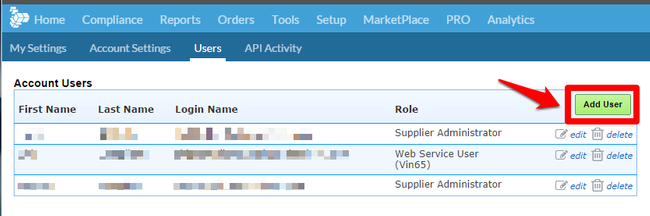
Step 3 - From the Manage Users page, click the Add User button on the right.
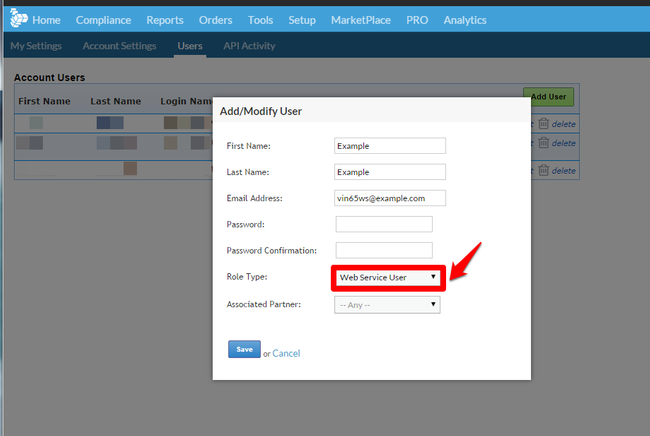
Step 4 - Add/Create the 'Web Service User' (See Image Below).
- First Name: WineDirect
- Last Name: Webservice
- Email Address: winedirect@yourwinery.com (this does not have to be a real email address; it will simply be used as the username for the integration)
- Password: (create a password of your choosing) ** Password must be no longer than 12 characters. **
- Role Type: Web Service User
- Associate Partner: WineDirect WTN